A little perspective.
Your calendar, close at hand. See what’s coming and make room for the moments in between.
 malino.
A MINDFUL HOME FOR ANDROID
Your next moment. Your favourite people.
A home screen that leaves space for what matters.
No ads. No launcher account. Just your space.
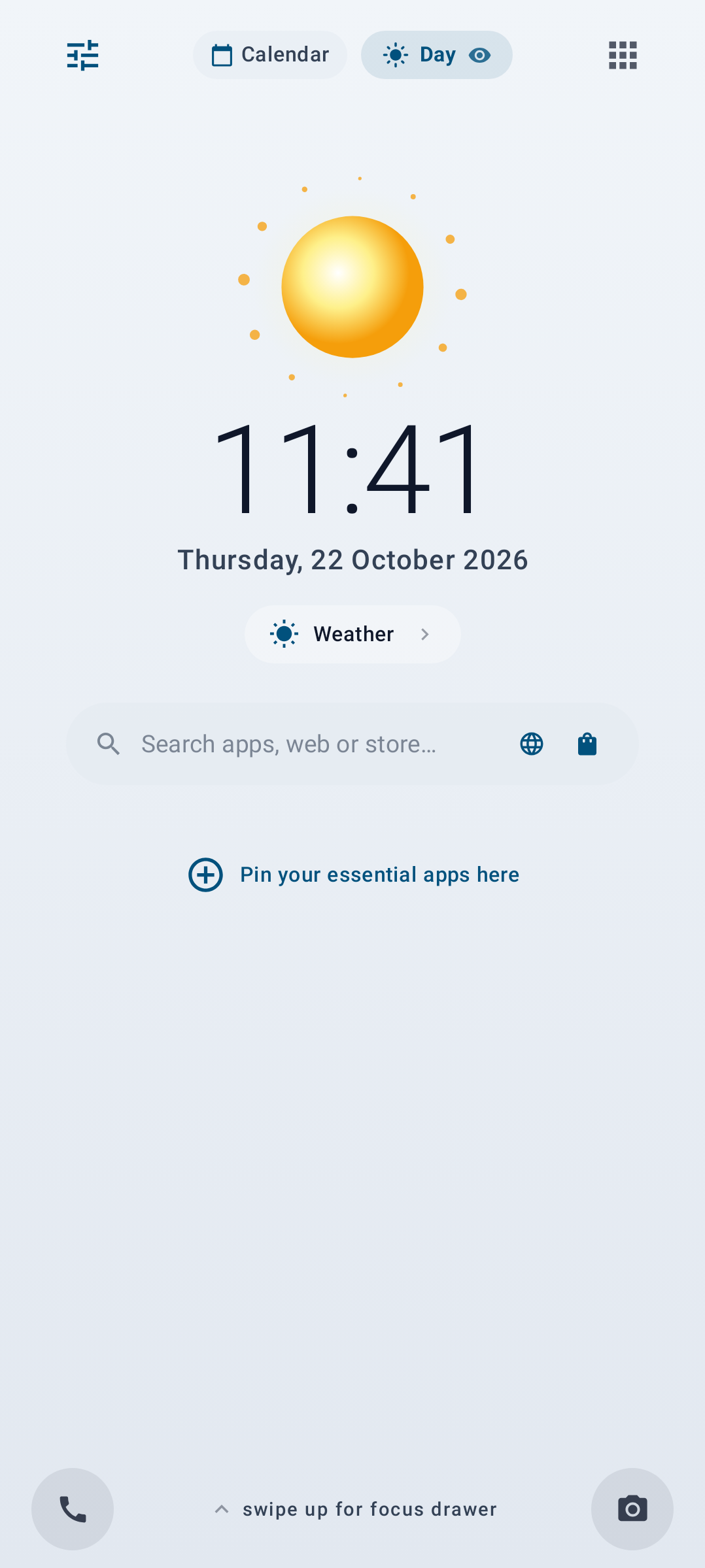
Malino home screen · Day theme
View full-size screenshot
FROM FIRST LIGHT TO LIGHTS OUT
Soft mornings, clear afternoons, warm evenings.
Malino’s colours move with the rhythm of your day.
Pick a light. See Malino in the moment.
Peach and morning gold. A gentle beginning.
LESS TO SORT. MORE TO SEE.
Your calendar, close at hand. See what’s coming and make room for the moments in between.
Keep a short list of what matters. Add a mindful pause before opening the apps you want to spend less time in.
Optional weather from MET Norway, with monthly or yearly access through Google Play. Choose it when it’s useful to you.
A CLOSER LOOK AT MALINO
A simple welcome and preferences that put you in control.
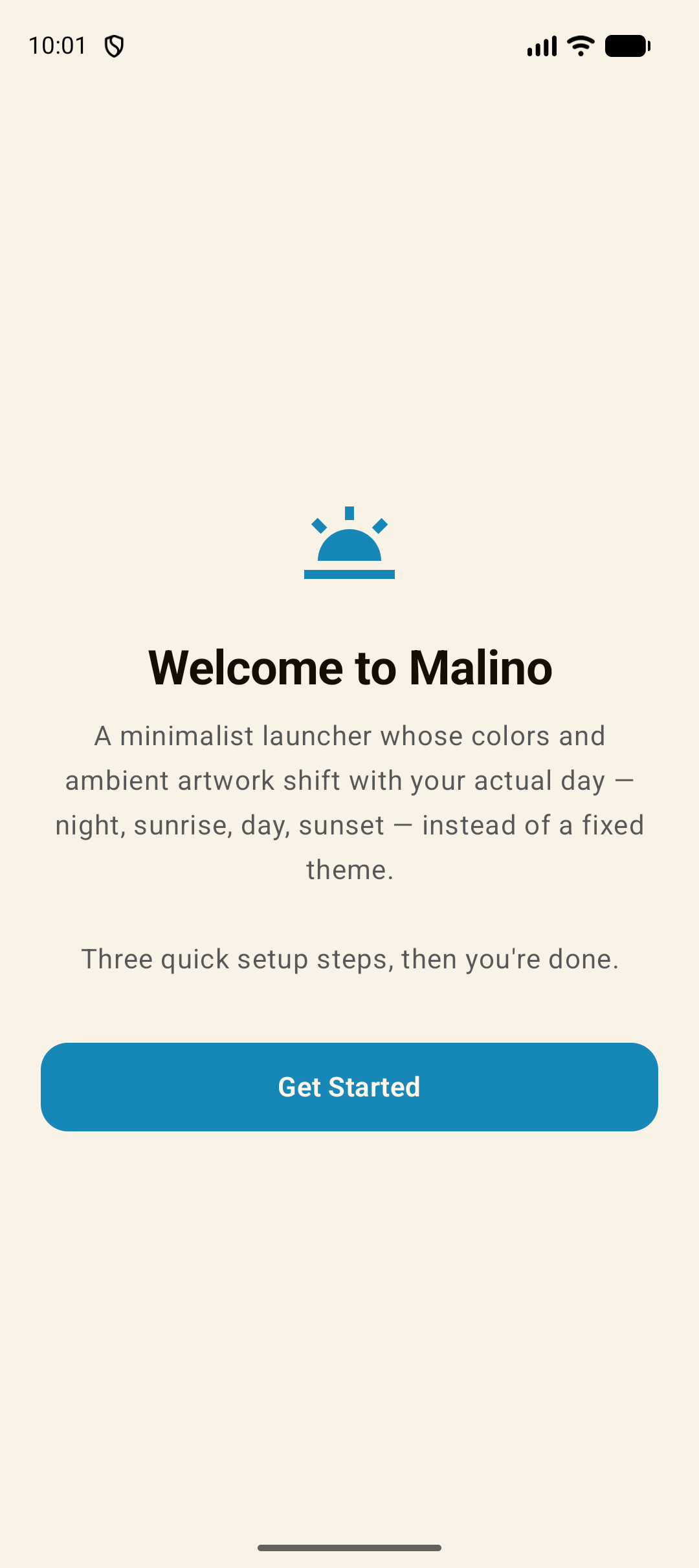
Meet Malino and set up your home screen.
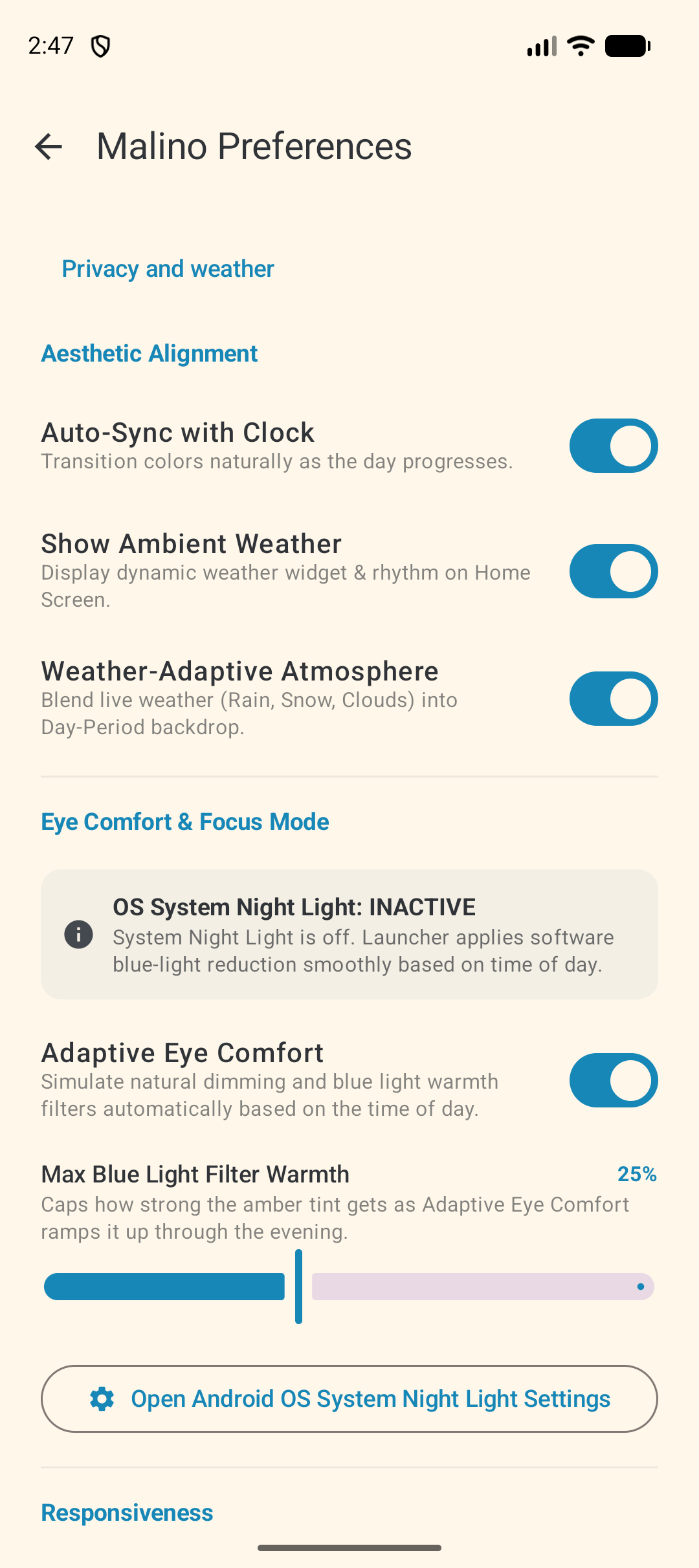
Choose the atmosphere and settings that suit you.
Screenshots captured from the app on an Android emulator.
YOUR PHONE. YOUR CHOICE.
Your app list, focus tasks and settings stay on your device. Weather is optional and uses an approximate area, with your permission.
Read our privacy noticeA FEW THINGS TO KNOW
A launcher is your Android home screen: the place you return to when you unlock your phone or press Home. Malino gives that space a calmer layout, with your apps, calendar and focus tasks nearby. You can switch back to your previous launcher in Android settings.
No Malino account is needed. Optional weather subscriptions use your existing Google Play account, and Android permissions are requested for the features you choose to use.
Weather is an optional monthly or yearly subscription through Google Play. Prices are shown in the app before purchase. Buying access does not enable location automatically. You can manage or cancel your subscription in Google Play; turning off the weather feature does not cancel billing.
We’re preparing Malino for testing through Google Play. If you’d like to help test it, contact post@kickit.no. We’ll share installation details when a test release is available.
A LITTLE SOMETHING IN THE MAKING
Malino is preparing for Google Play testing.
Come help us make the everyday feel a little better.